Main Inventory reference
Reference the columns in the Main Inventory flat view and understand how UIN scanning in the Visit Wizard's Procedures & Supplies section links a physical unit to a patient encounter.
What Main Inventory shows
Main Inventory is the authoritative, real-time list of every inventory unit across all product categories at your facility. A unit appears here as soon as it is received through a category tile (Amniotic / Advance Treatment, Biologics / Matrix, Conservative Care Products, PRP, or Ultrasonic Mist) and carries a status through its lifecycle — from received and available, through reserved and used, to transferred, returned, or damaged.
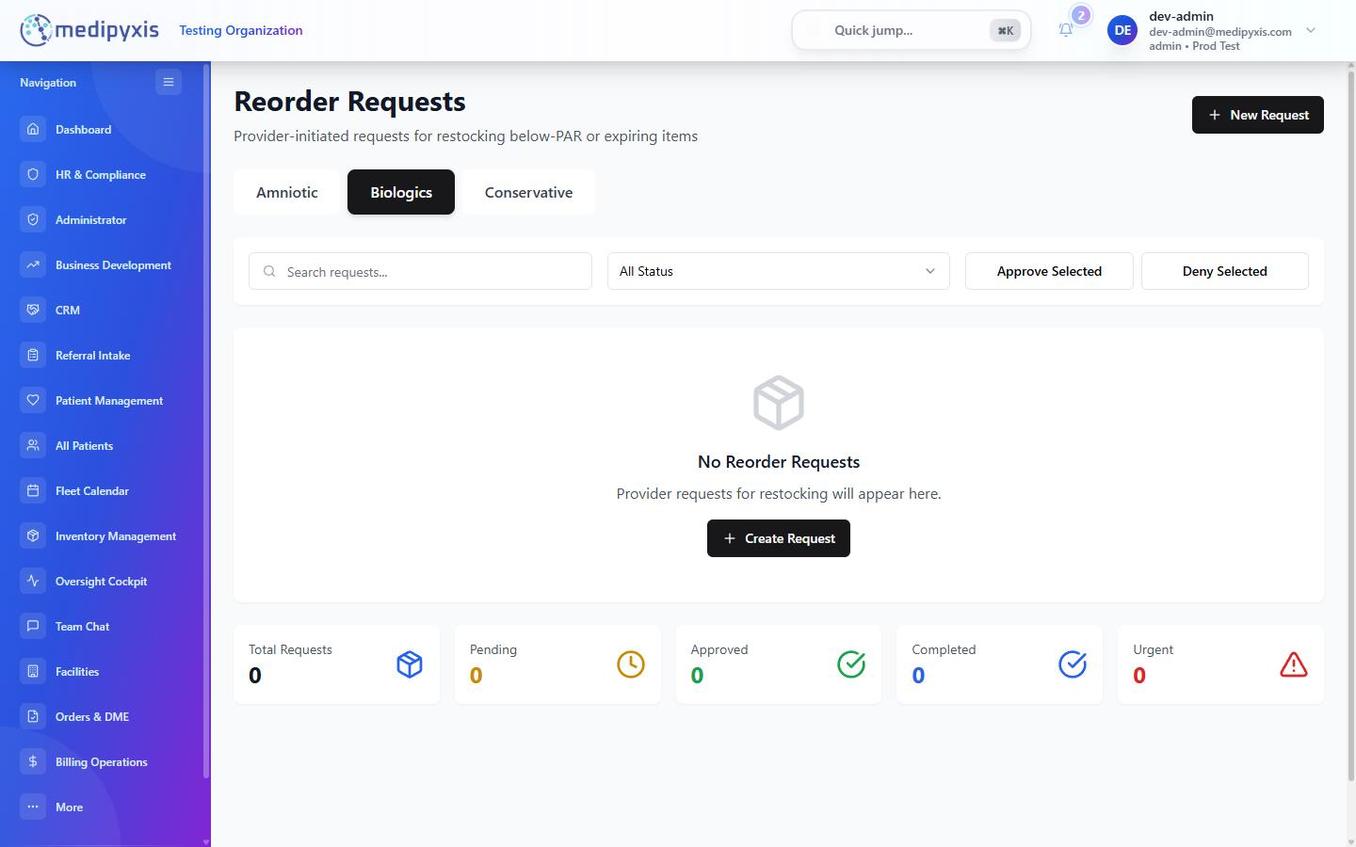
Main Inventory view. Use the search bar and column filters to narrow the list before selecting a unit.
Active Inventory flat view columns
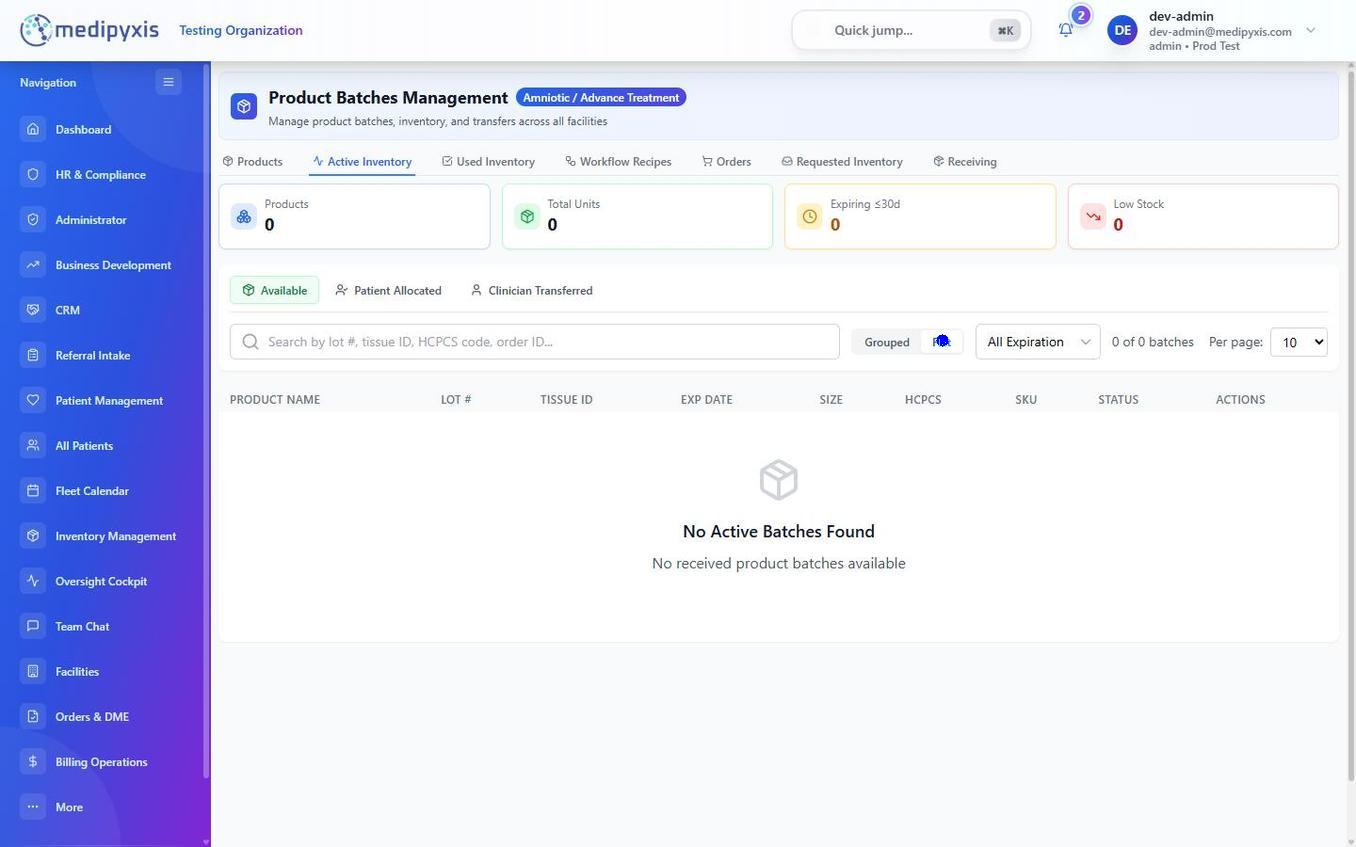
Active Inventory flat view. Each row represents one physical unit identified by its UIN.
| Column | Description |
|---|---|
| UIN | Unique Inventory Number — the system-generated identifier assigned to this specific physical unit at receiving. No two units share a UIN. This is the value scanned or entered in the Visit Wizard. |
| LOT # | The manufacturer's lot number for this unit, as entered during receiving. Includes the product's LOT SUFFIX. |
| TISSUE ID | Donor tissue identifier assigned by the tissue bank. Populated for amniotic and advance-treatment products; blank for biologics and conservative care products that have no tissue-bank origin. |
| EXP DATE | Expiration date printed on the manufacturer's packaging. Units near or past expiration are flagged and blocked from selection in the Visit Wizard. Expiration is a date, not a status — an expired unit keeps its status (e.g. Available) but is blocked from use. |
| SIZE | Graft dimensions or package quantity (e.g., 2×3 cm, 5g), as entered during receiving. |
| HCPCS | Healthcare Common Procedure Coding System code associated with this unit. Pulled from the Product Catalog at receiving time and passed to the billing engine when the unit is applied. |
| SKU | Stock Keeping Unit — your organization's internal product code, inherited from the Product Catalog entry. |
| STATUS | Current state of the unit. See status values below. |
STATUS values
Each unit carries one of the following statuses through its lifecycle:
| Value | Meaning |
|---|---|
Ordered |
Ordered from the vendor, not yet shipped. |
Shipped |
Shipped by the vendor, in transit / awaiting receipt. |
Available |
On hand and cleared for use. Selectable in the Visit Wizard. |
Unused |
Stocked and unused (treated the same as Available for the in-stock view). |
Reserved |
Held for an IVR or a scheduled wound-case visit; not yet used. |
Hold / Release |
Amniotic/biologics hold-and-release control for units pending clearance. |
Used |
Applied to a patient. The UIN links to the encounter record. |
Transferred |
Moved to a clinician or another location. |
Returned |
Returned to the vendor. |
Rejected |
Rejected at receiving or review. |
Damaged |
Damaged and removed from usable stock. |
Damaged or Rejected.
How UIN scanning works in Procedures & Supplies
The Procedures & Supplies section of the Visit Wizard links one or more physical inventory units to the clinical encounter being documented.
- In that section, the clinician sees a product search field and a Scan UIN button.
- The clinician either scans the UIN barcode on the product packaging using a device camera or connected barcode reader, or types the UIN manually into the search field.
- The system validates that the scanned UIN:
- Exists in Main Inventory for the clinician's facility.
- Has status
AvailableorReserved. - Has not passed its EXP DATE. - Has an IVR inApprovedorAgreedstatus, if the product's category requires prior authorization. - If validation passes, the unit is added to the encounter's supply record. Its status updates to
Usedwhen the visit is signed and locked. - If validation fails, the system displays the specific reason (expired, wrong facility, no IVR) so the clinician can resolve it before proceeding.
Related
Auto-rendered from related: in frontmatter.