Orders & DME overview
Orders & DME is the per-patient hub for generating and tracking clinical orders that flow out of a visit — from durable medical equipment to outbound referrals. It opens from a patient's chart (/patients/{patient_uuid}/orders-dme).
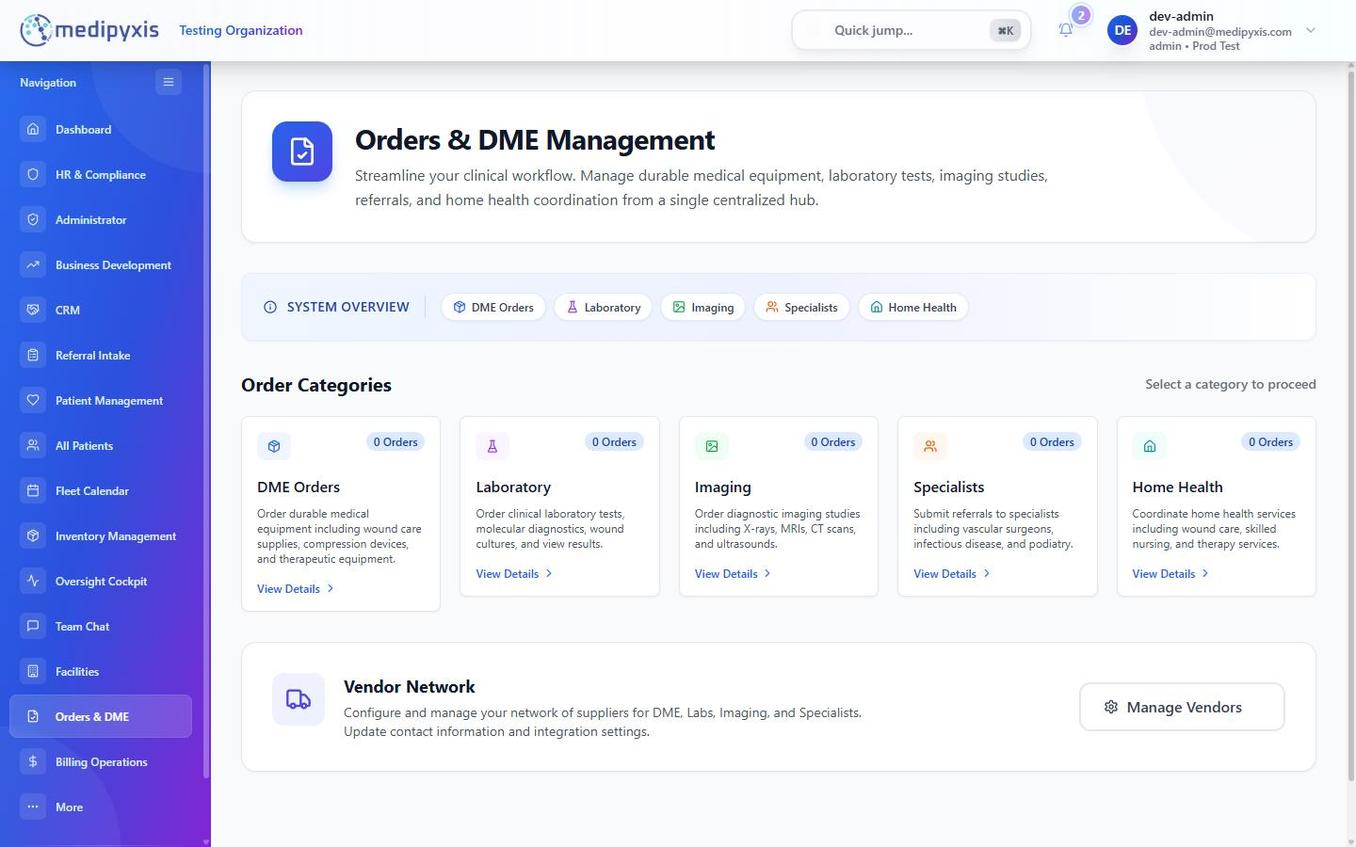
Orders & DME — order types run as tabs across the top.
Order types (tabs)
| Tab | Purpose |
|---|---|
| DME | Prescriptions for durable medical equipment: wound-care supplies, compression devices, mobility aids, and similar items. |
| Labs | Lab requisitions and specimen tracking. |
| Imaging | X-ray, MRI, ultrasound, and other imaging studies. |
| Referrals | Outbound referral orders to specialists (vascular, podiatry, wound care, etc.). |
| Home Health | Home health agency referrals and certifications. |
How an order is placed and routed
For each order you pick a vendor from the enabled-vendor list for that order type (vendors are scoped per clinic), optionally choose the vendor's custom form, then send it by fax or email to the vendor. Orders can be saved as a Draft first.
Each order carries a status: Draft, Submitted, Received, Provisioned, Rejected, Canceled, or Needs Info. When results come back, use Upload Results on the order.
How orders connect to visits
- During a visit — the Orders & DME section (section 12) of the Visit Wizard opens this surface with the patient context attached.
- Standalone — open a patient's chart and go to Orders & DME to place or track orders outside a visit.
Related
Auto-rendered from related: in frontmatter.