More (Fax) overview
The Fax Center (/fax-logs) is the dedicated interface for managing outbound and inbound fax activity — a complement to the automated fax ingestion that flows through Referral Intake. Faxing runs through a fax service (edge function) and is available to all roles.
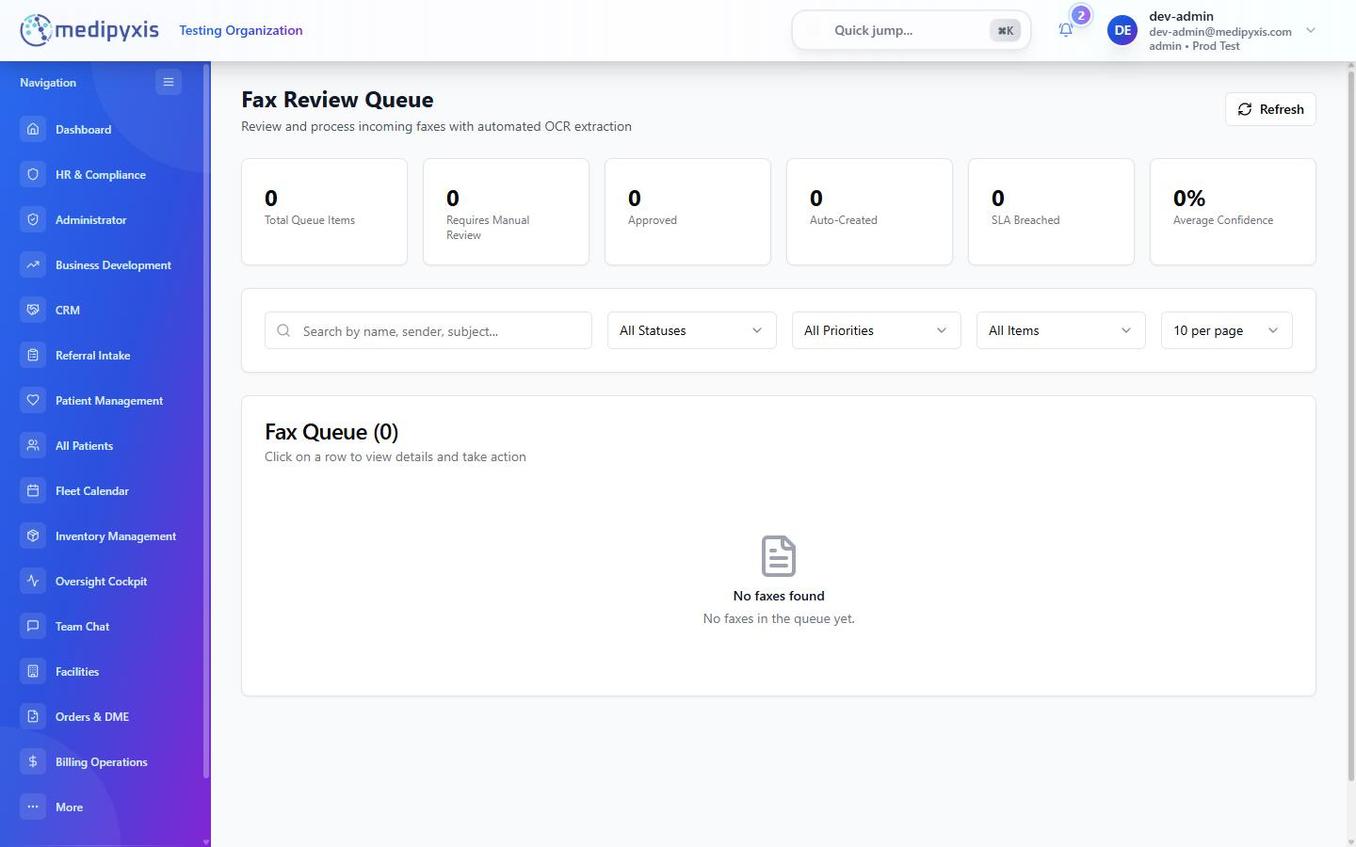
Fax Review Queue — incoming faxes awaiting review or routing.
Three sections
| Section | Purpose |
|---|---|
| Send Fax Logs | History of all outbound faxes sent by your facility — date, recipient number, document name, page count, and delivery status. |
| Received Fax Logs | History of all inbound faxes received — date, sender number, page count, and whether the fax was auto-processed or required manual review. |
| Fax Review Queue | Inbound faxes that could not be automatically matched to a patient or referral. These require a staff member to review, route, or dismiss. |
Using the Fax Review Queue
Faxes appear in the Fax Review Queue when OCR confidence is below the auto-routing threshold or no matching patient record is found. For each queued fax:
- Click the row to open the fax document in the preview pane.
- Review the content. The panel shows the OCR-extracted text alongside the original document image.
- Take action: - Link to Referral — associates the fax with an existing referral card in Referral Intake. - Create Referral — opens the New Referral form with OCR data pre-populated. - Dismiss — marks the fax as reviewed and non-actionable; it moves to Received Fax Logs. - File to patient chart — attaches the fax to an existing patient's Documents tab. See File a received fax to a patient chart.
Searching logs
The Fax Center supports filtering by date range and fax number, and exporting to CSV. Outbound fax statuses include draft, pending, sending, sent, delivered, failed, and cancelled. Failed faxes can be retried (up to 3 attempts) or cancelled, and each fax has an audit log.
Related
Auto-rendered from related: in frontmatter.