Review the Fax Queue
Faxes arrive from the clearinghouse as PDFs. Medipyxis OCR parses each page, attempts to auto-create a referral, and drops low-confidence pages into the Fax Review Queue for a human.
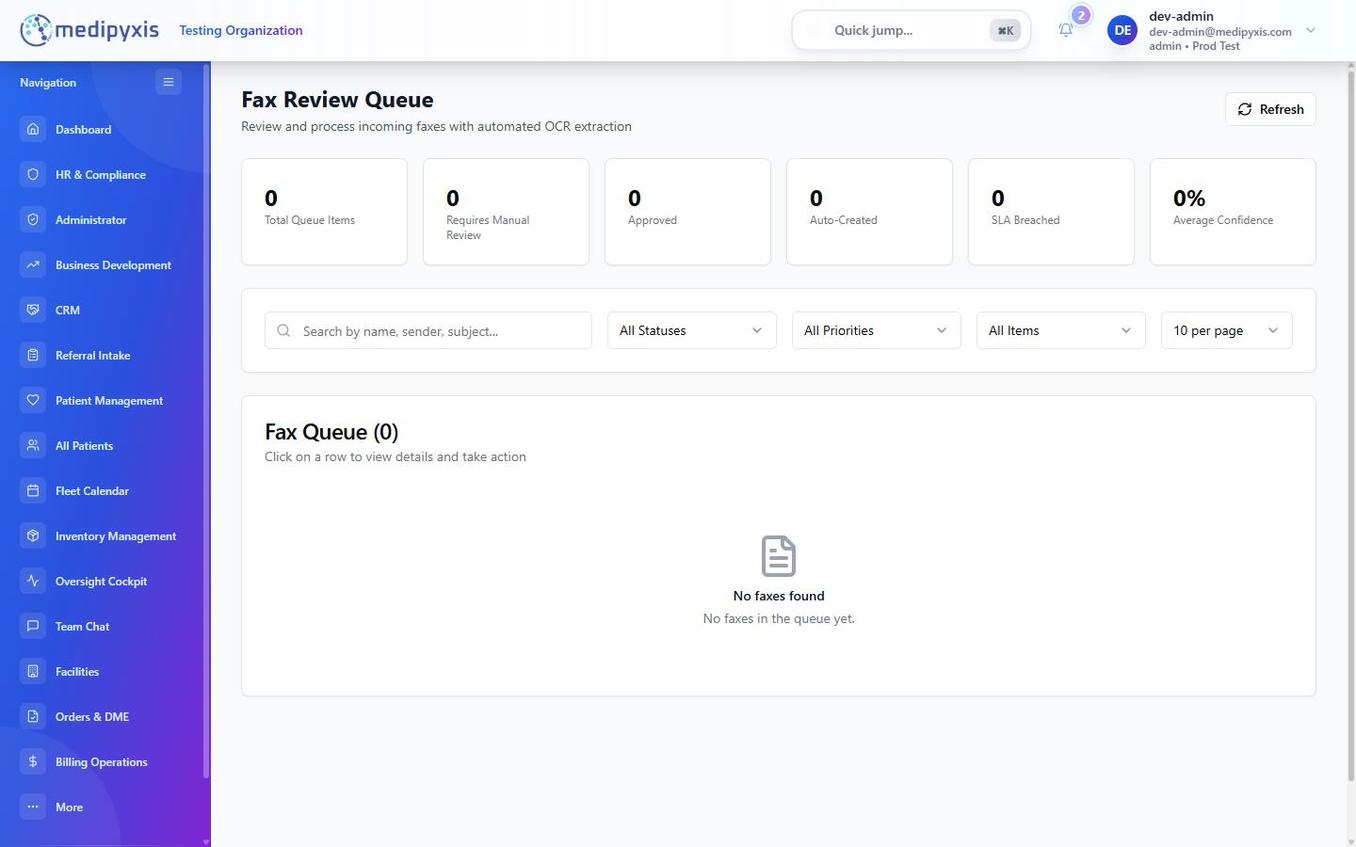
When to use this page
- A fax shows up in Fax Queue on the Referral Intake kanban.
- The Dashboard shows a "Fax SLA breach" tile.
- You opened
/fax-review-queuedirectly.
Columns
| Column | Meaning |
|---|---|
| Received At | Timestamp from the clearinghouse. |
| From | Sender TIN or CallerID. Labeled if the practice is already in your CRM. |
| Pages | Click to preview the original PDF. |
| OCR Confidence % | >85 % = auto-created; 60–85 % = Needs Review; <60 % = Manual Only. |
| Auto-Created Referral | ✓ means a draft already lives in New Referrals. |
| SLA Breach Timer | Counts down from your facility's intake SLA. Red at breach. |
| Assigned To | Coordinator claimed the page. |
| Status | Pending · Reviewing · Converted · Rejected · Duplicate. |
Steps
- Sort by SLA Breach Timer so breached pages are at top.
- Click a row. The fax PDF opens on the left; the OCR-extracted fields appear on the right.
- Accept, Correct, or Reject each field. Green check = OCR was right; pencil icon = edit; red X = missing/unreadable.
- If Auto-Created Referral is ✓: click Open Referral to jump to the draft and finish triage there.
- If not auto-created: click Convert to Referral. A pre-filled New Referral form opens with every accepted field already populated.
- If this is a duplicate fax: click Mark Duplicate and link to the existing referral.
- If this is junk (marketing, wrong number): click Reject and pick a reason from the list.
Result
Accepted pages exit the queue. Your name stays on the audit log — hover the row in any kanban column to see who processed which fax.